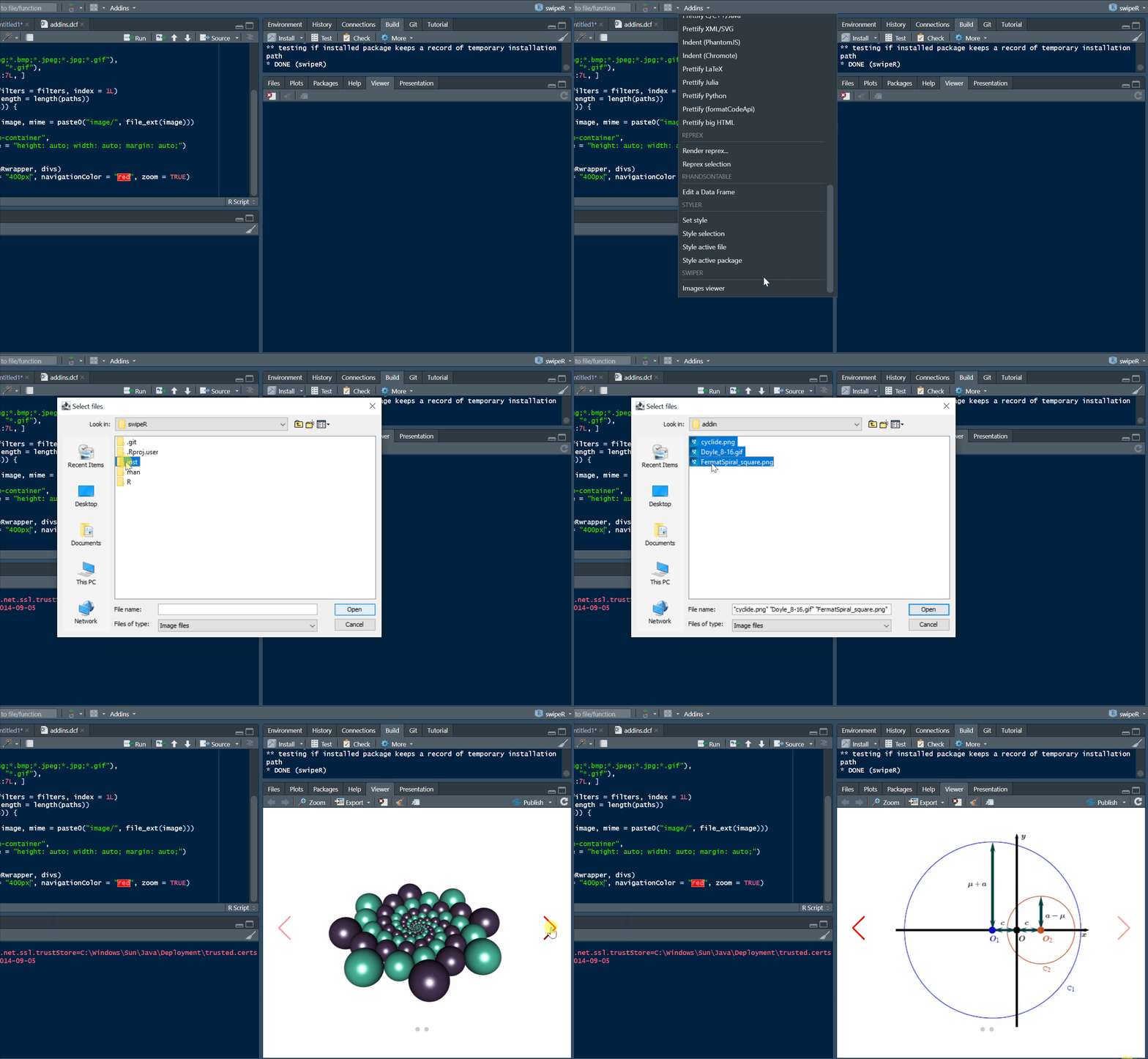

To include an image in a carousel from a file, you can use base64 encoding:
```{r}
library(swipeR)
library(htmltools)
library(base64enc)
b64 <- dataURI(file = "path_to_image.png", mime = "image/png")
wrapper <- swipeRwrapper(
  tags$img(src = b64, style = "width: 500px; margin: auto;"),
  ......
)
swipeR(wrapper, height = "400px", navigationColor = "navy")
```
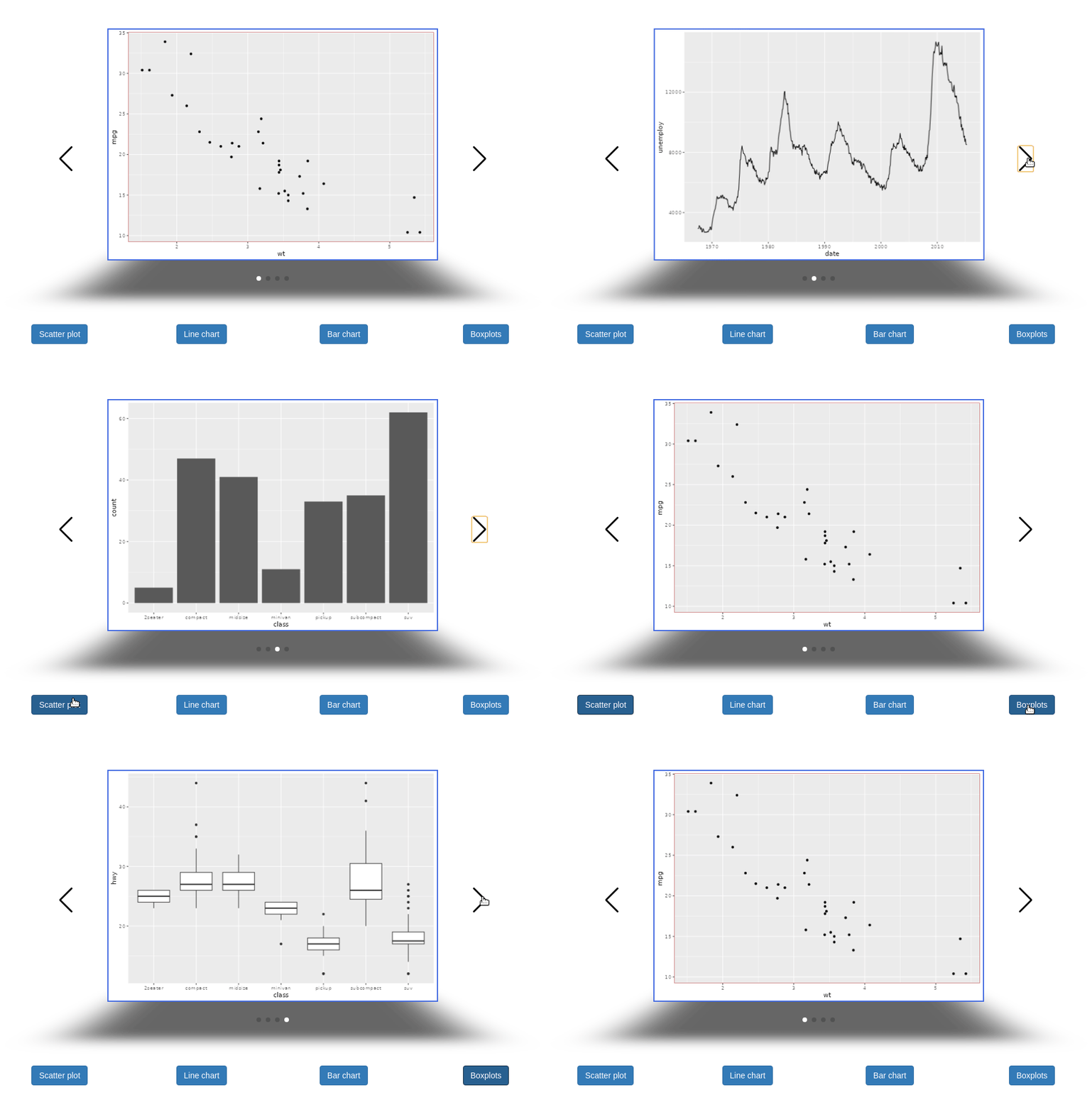
To include plotly graphics in a carousel in R Markdown, you can do:
```{r}
library(swipeR)
library(htmltools)
library(plotly)
g1 <- ggplot(mtcars, aes(disp, wt)) + geom_point() + ggtitle("Plot 1")
g2 <- ggplot(mtcars, aes(drat, wt)) + geom_point() + ggtitle("Plot 2")
g3 <- ggplot(mtcars, aes(qsec, wt)) + geom_point() + ggtitle("Plot 3")
wrapper <- swipeRwrapper(
  tags$div(style = "width: 500px; margin: auto;", ggplotly(g1)),
  tags$div(style = "width: 500px; margin: auto;", ggplotly(g2)),
  tags$div(style = "width: 500px; margin: auto;", ggplotly(g3))
)
swipeR(wrapper, height = "400px", navigationColor = "navy")
```
The package also provides a RStudio addin: