


Dynamic R Prompt
Set the R prompt dynamically, from a function. The package contains some examples.
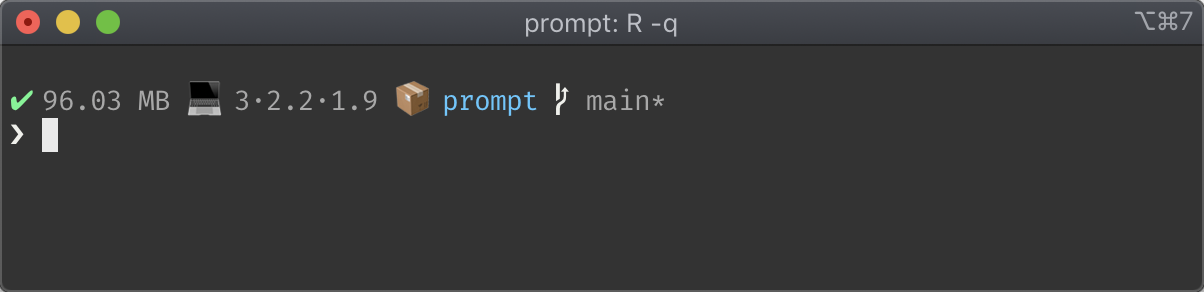
This is prompt_fancy() and it has * The status of the
last command (success or failure). * The amount of memory allocated by
the current R process. * The name of the R package being developed using
devtools. * Name of the
active git branch. * State of the git working tree (needs pushes, pulls,
and/or dirty).

A powerline clone, that also shows the system load average and the current working directory.
Install the package from CRAN, as usual:
install.packages("prompt")Use one of the pre-defined prompts, as on the screenshots, or create
your own. You can set the prompt in your .Rprofile. Maybe
you only want to do this in interactive mode:
if (interactive()) prompt::set_prompt(prompt::prompt_fancy)or the powerline prompt:
if (interactive()) prompt::set_prompt(prompt::new_prompt_powerline())MIT © Gábor Csárdi